

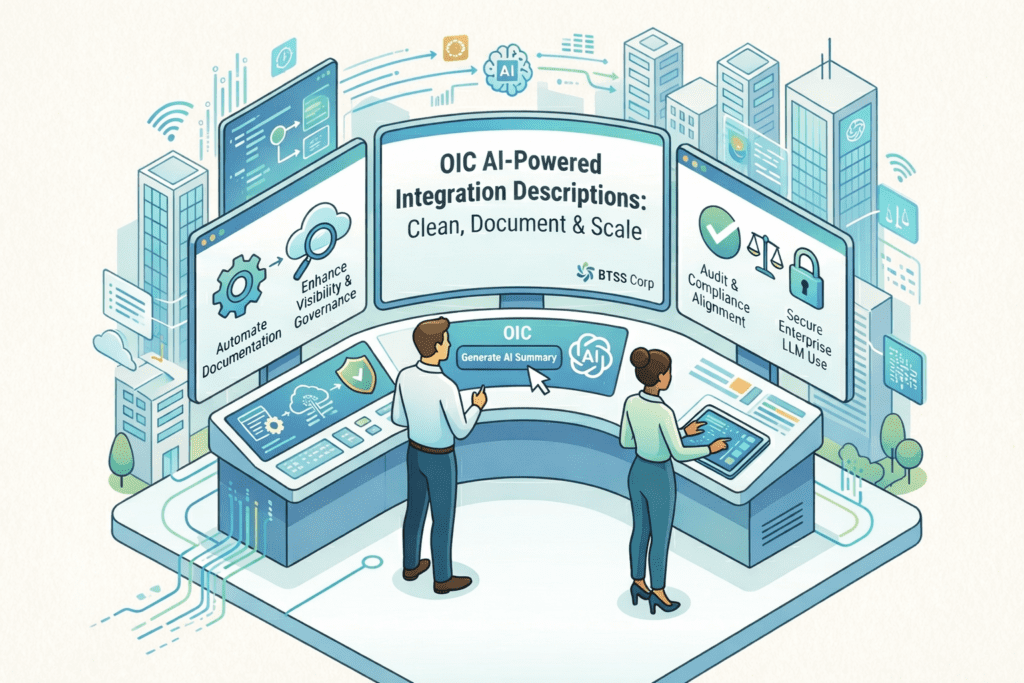
OIC AI-Powered Integration Descriptions are here.
Struggling with unclear, duplicated, or undocumented Integrations?
BTSS Corp helps you clean it all up – with AI.
Let’s demonstrate how Oracle Integration Cloud’s latest AI feature streamlines enterprise integration management.
Overlapping & Undocumented Integrations
In most enterprise:
- Many integrations lack proper descriptions
- Developers, often skip writing clear documentations
- Integrations call each other, creating confusion dependencies
- Debugging becomes a nightmare
Enter Oracle’s AI Engine for Integration Summaries
BTSS helps you enale and fine-tune this AI for clarity and compliance.
AI Engines that Generate Descriptions
Oracle Integration Cloud now supports LLM-powered description generation.
Supported AI Engines:
- Cohere(command-r-plus model)
- OpenAI GPT-4.4.0/gpt-4o
with a single click, you can generate or rewrite a clear summary of any integration flow.
BTSS helps you connect the API,secure the key, and set the default model.
Setup: How to Enable the AI Engine
Here’s how we implement this at BTSS Corp:
- File a Service Request to enable the feature
- Go to Setting > AI Engines in OIC
- Click Add AI Engine
- Input the Engine Name & API Key
- Select the model (Cohere or OpenAI)
- Check “Set as Default”
Once set, it auto-generates descriptions for any integration you open
Using the Feature: Generate with One Click
In any integrations:
- Click the “Primary Info” button above the canvas
- Click “Generate” to instantly create a summary
If the description field is already filles:
- Use Retry to get a new variation
- Use Replace to overwrite the old one(If editable)
- Hit Save when satisfied
BTSS ensures descriptions follow your naming standards and givernance models.
Let BTSS Help You Clean,Document & Scale
- Improve integration visibility
- Automate documentation
- Align with audit & compliance best practices
- Use LLMs securely inside Oracle Cloud
